.png)

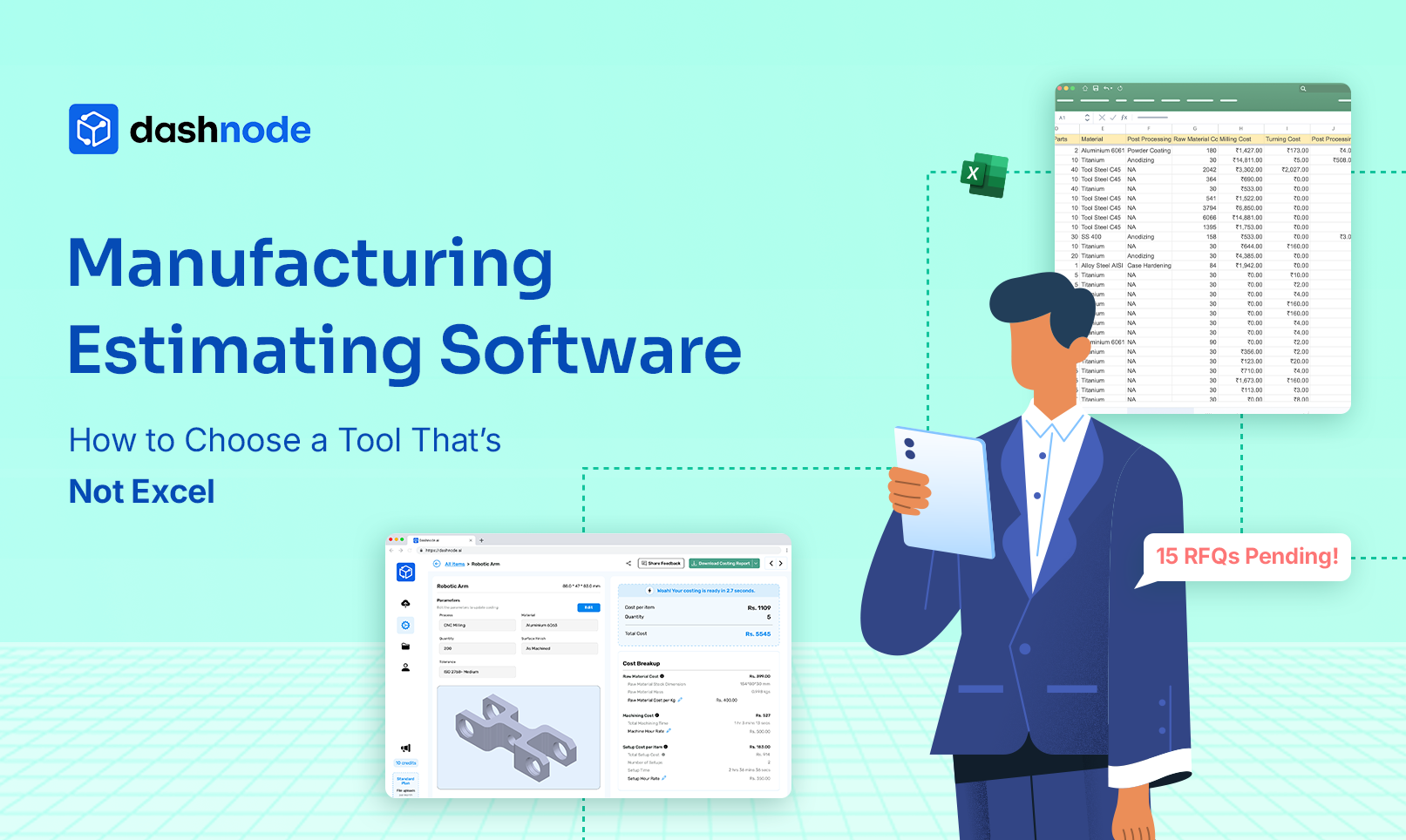
Most manufacturing quotes still begin in spreadsheets. Estimators manually calculate machining time, material costs, setup operations, and overhead using Excel-based cost templates. For small quoting workloads, this approach can work, but it becomes difficult to manage as RFQ volumes increase and parts become more complex.
Modern manufacturing environments move quickly. Customers expect quotes within hours, not days. When estimators rely on spreadsheets, the quoting process can become slow, inconsistent, and dependent on individual experience.
Because of these challenges, many manufacturers are adopting manufacturing estimating software to standardize production costing and accelerate quote generation. Instead of relying on disconnected spreadsheets, dedicated estimating systems centralize cost data and automate calculations across the quoting workflow.
Dashnode is designed to support this shift by helping manufacturing teams automate production costing, analyze CAD models, and generate accurate manufacturing quotes faster without relying on multiple spreadsheets.
Understanding the differences between Excel-based estimating and modern factory quoting tools is the first step toward choosing the right solution.
Despite its limitations, Excel remains the most widely used tool for production costing in manufacturing.
Most estimating teams already have spreadsheets that calculate machine time, material usage, labour costs, and overhead. Over time, these spreadsheets evolve into internal quoting systems that estimators rely on daily.
Several factors explain why Excel persists in manufacturing estimating workflows.
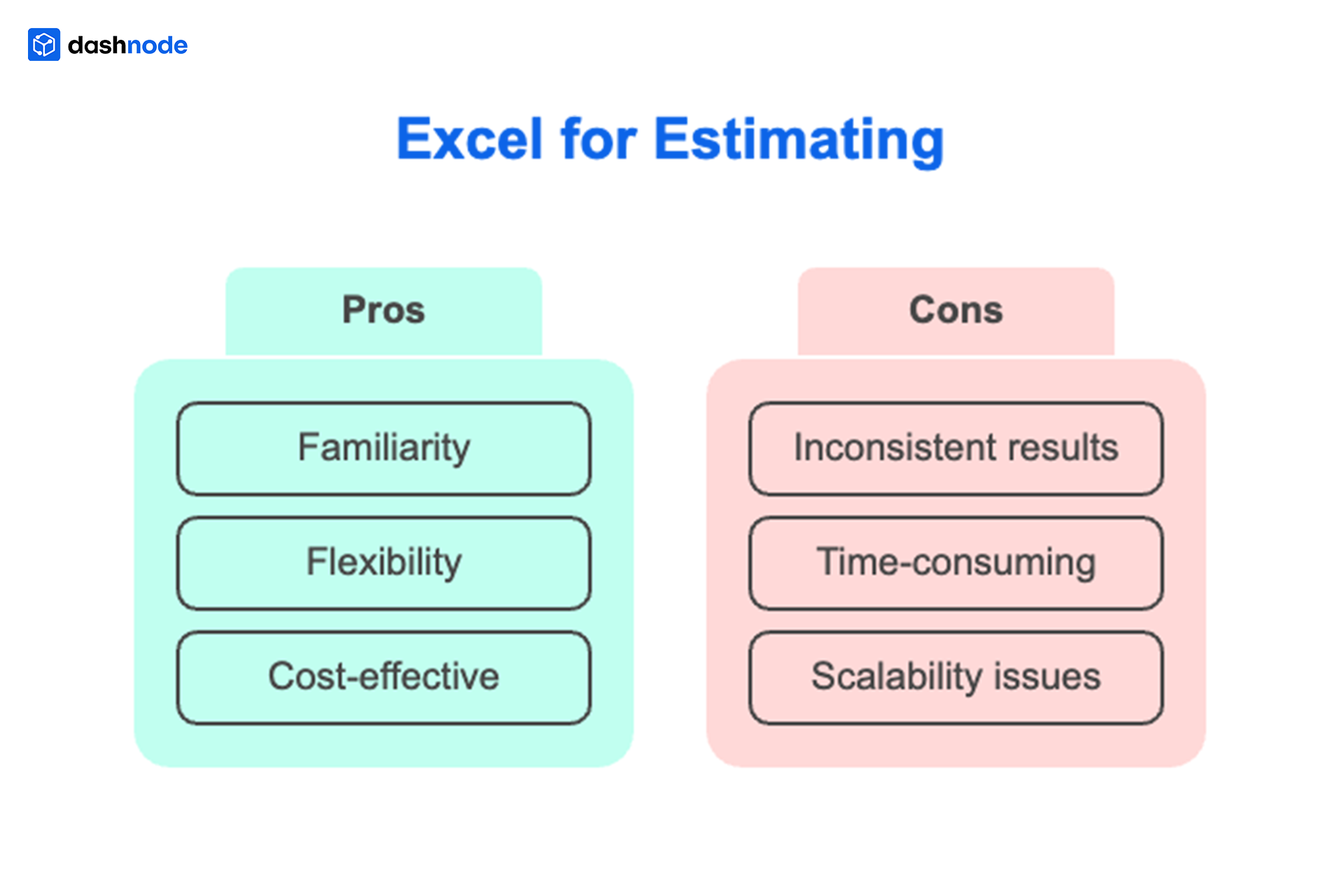
First, spreadsheets are familiar. Estimators know how to create formulas, adjust cost templates, and modify calculations as production requirements change.
Second, Excel offers flexibility. Factories can customize templates for different manufacturing processes such as CNC machining, sheet metal fabrication, or assembly.
Third, spreadsheets appear inexpensive because most companies already use them as part of office software.
However, while Excel works for basic calculations, it was never designed to manage modern factory quoting workflows.
As RFQ volumes increase and parts become more complex, spreadsheet-based estimating poses operational challenges.
To understand the limitations of spreadsheets, it helps to examine how estimators build quotes.
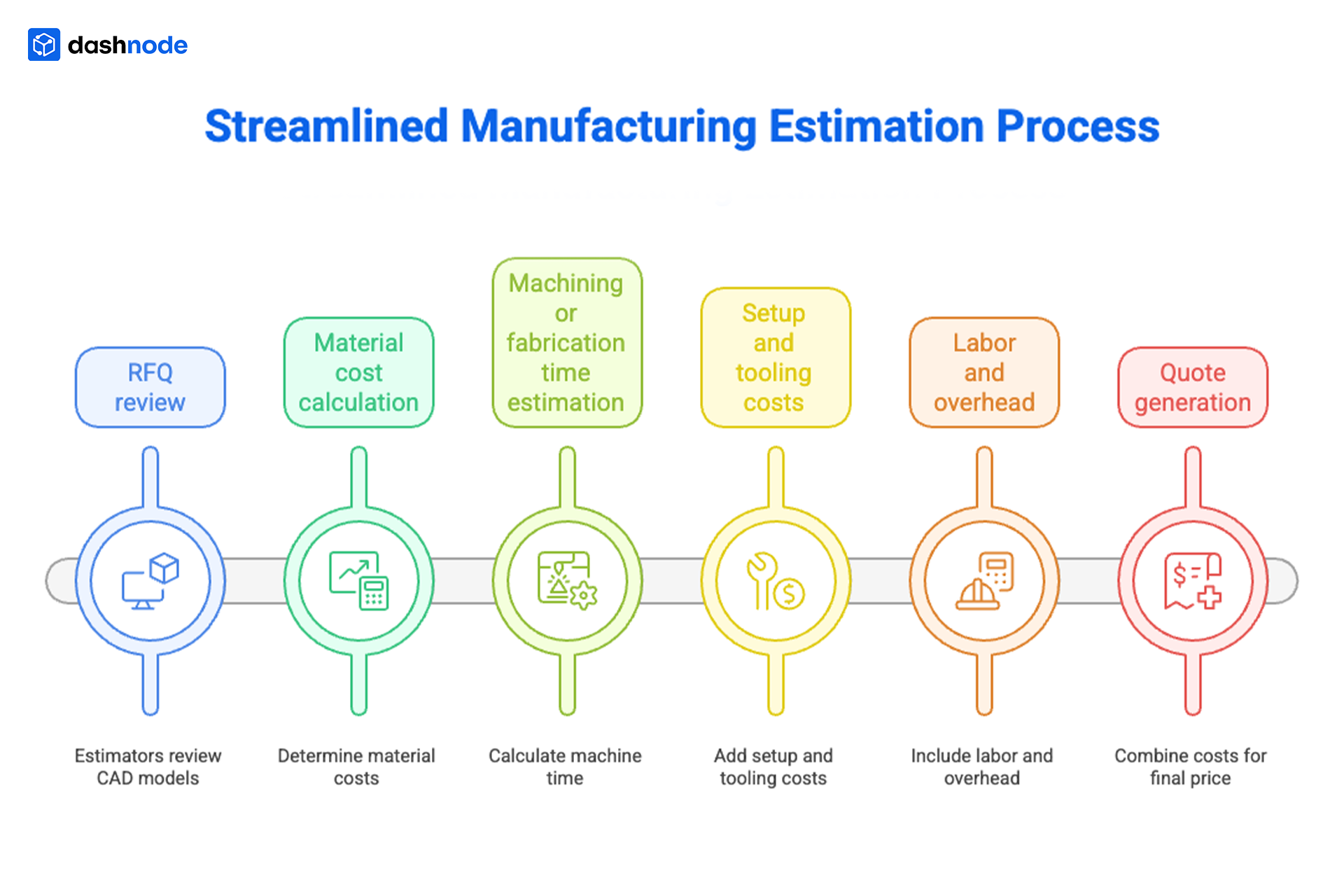
Most manufacturing estimates follow a similar process.
Estimators typically review CAD models or technical drawings to understand part geometry before calculating machining time and manufacturing costs.
Material costs are determined based on part dimensions, raw material pricing, and accurate steel plate weight calculation before machining or fabrication begins.
Estimators calculate the machine time required for operations such as milling, turning, drilling, cutting, or forming.
Setup operations, fixtures, tooling changes, and programming time contribute to the total production cost.
Machine hourly rates, operator labor, facility overhead, and indirect costs are added to the estimate.
All cost components are combined to generate a final price for the customer.
While spreadsheets can handle these calculations, managing them manually often introduces inefficiencies and inconsistencies.
As factories grow, the quoting process often becomes a bottleneck.
A typical spreadsheet workflow might look like this:
RFQ received > estimator reviews drawing > manual calculations > spreadsheet updates > internal review > quote submission
Each step requires manual input and coordination.
When RFQ volumes increase, estimators spend more time updating spreadsheets than analyzing manufacturing feasibility. Quotes may take several hours to prepare, which slows response times and reduces competitiveness.
Manufacturers that rely heavily on spreadsheets often experience:
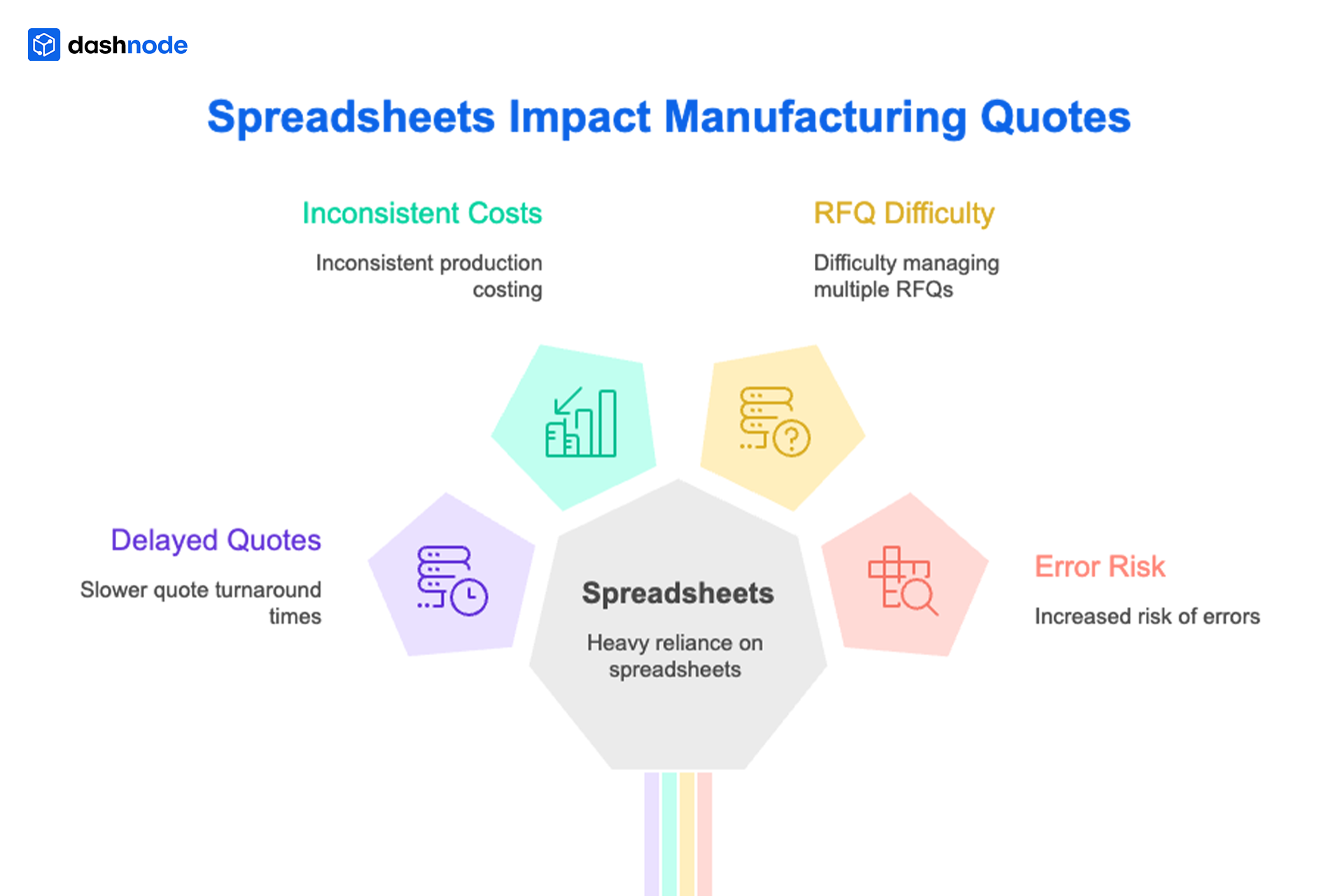
These issues highlight the need for more structured estimating workflows.
The difference between spreadsheet estimating and dedicated factory quoting tools becomes clearer when comparing how each approach manages production costing and quote generation.
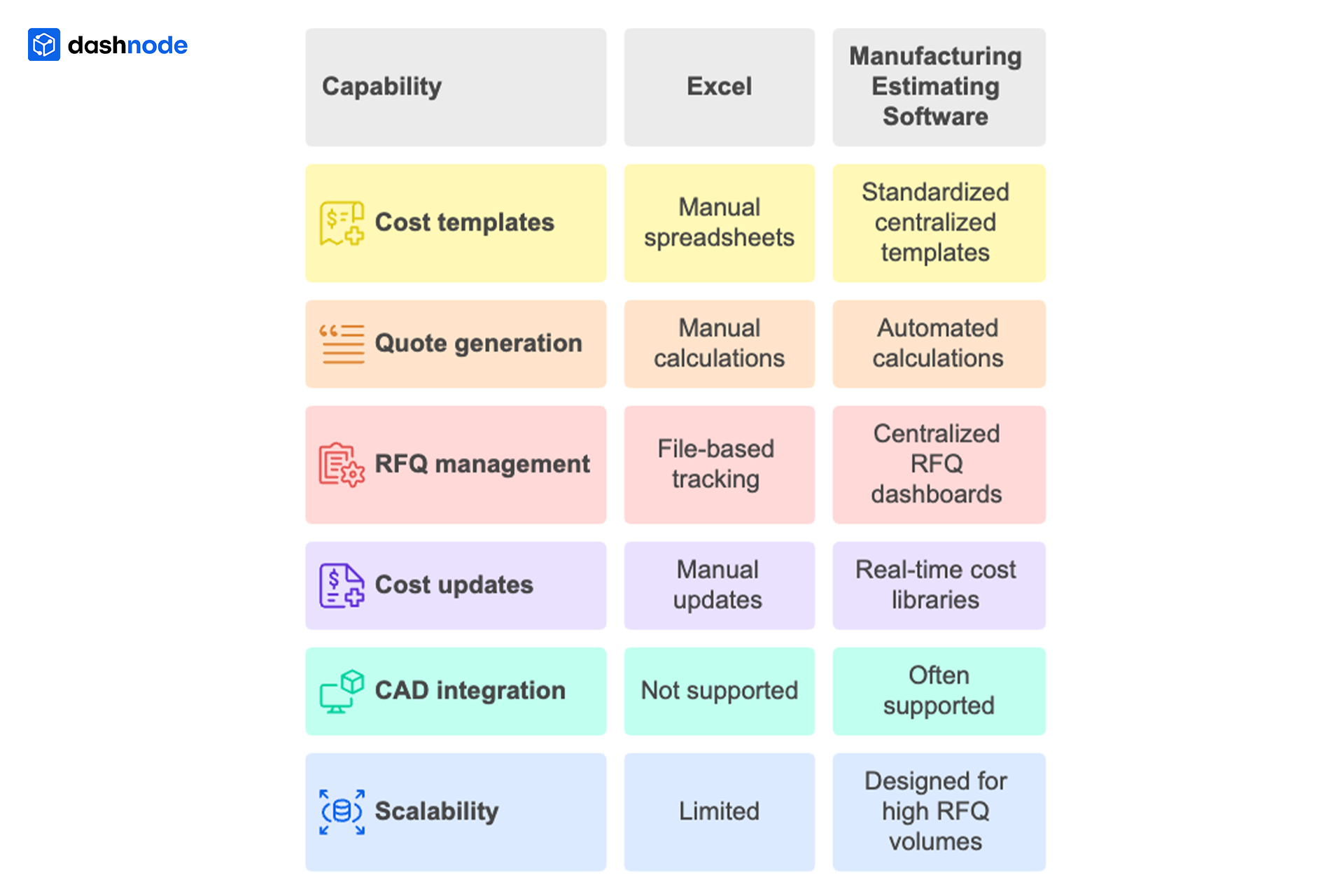
While Excel can perform calculations, manufacturing estimating software provides a structured system for managing quoting workflows across the organization.
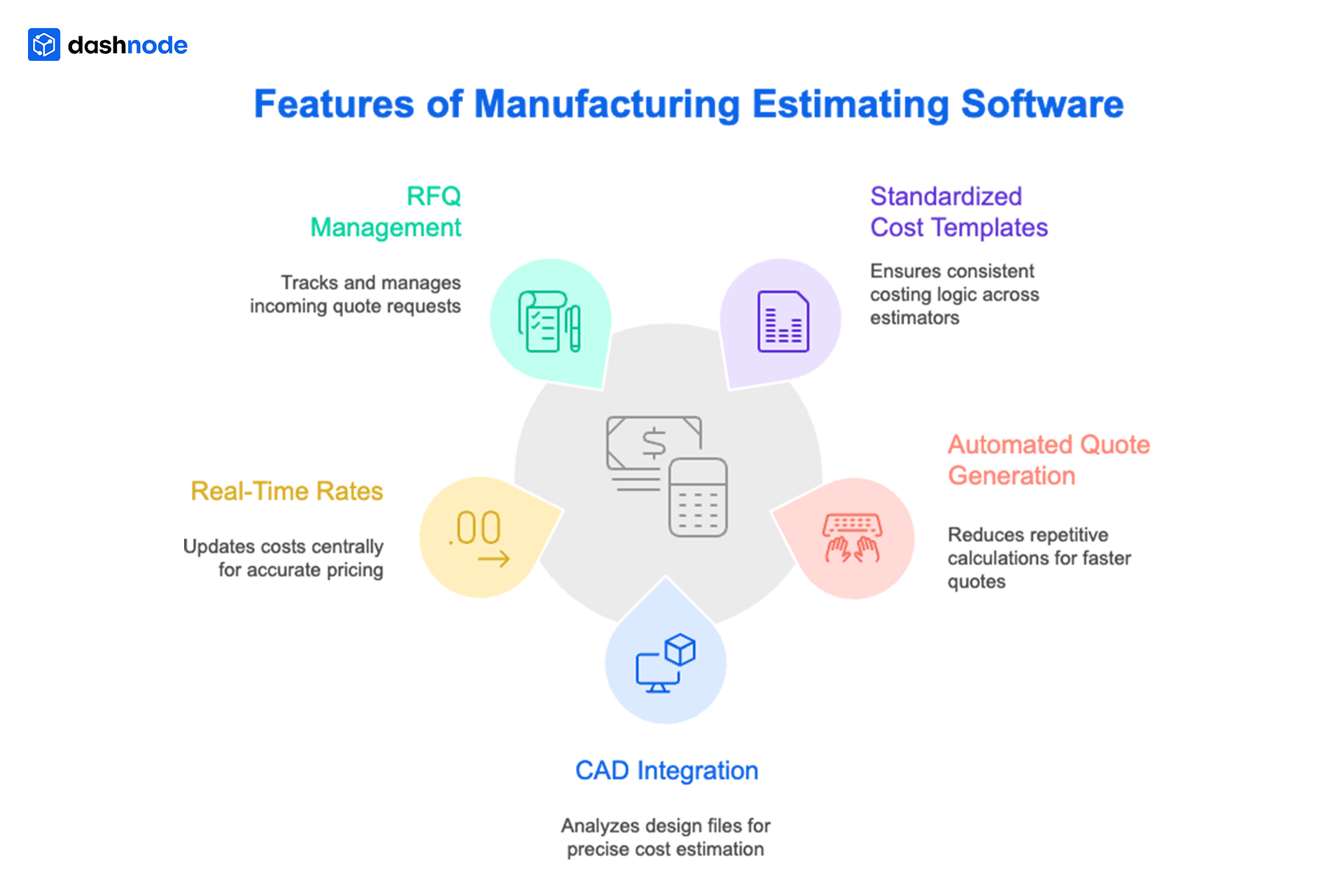
Choosing the right estimating platform requires understanding the features that support efficient production costing.
Centralized cost templates ensure that all estimators follow the same production costing logic. Instead of relying on multiple spreadsheets, factories maintain a consistent cost structure.
Automation reduces repetitive calculations. Estimating software applies predefined formulas to generate quotes quickly and consistently.
Modern CNC estimating tools analyze CAD files to understand part geometry and manufacturing requirements. This integration allows more accurate cost estimation.
Production costs change frequently. Estimating software allows factories to update machine rates, labour costs, and material prices centrally.
Dedicated factory quoting tools help teams track incoming RFQs, monitor quote status, and manage quoting workload across the organization.
When factories adopt estimating software, several improvements appear immediately.
Automated calculations allow estimators to generate quotes in minutes rather than hours.
Centralized cost templates ensure that all estimates follow the same production costing structure.
Engineering teams, estimators, and managers can review costing information within the same system.
Manufacturers gain clearer insight into production costs, helping them avoid underpricing complex jobs.
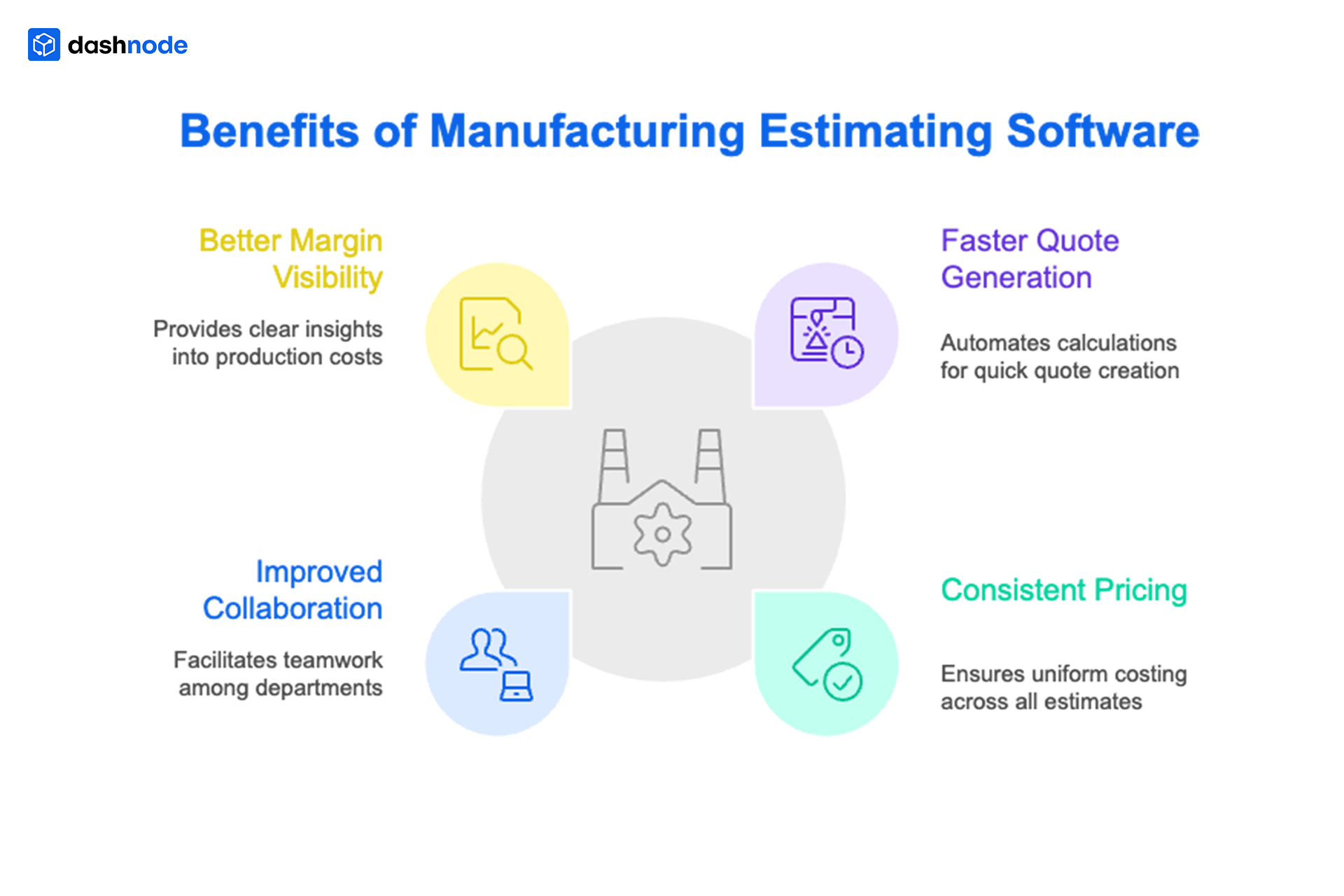
These improvements enable factories to respond to RFQs more quickly while maintaining reliable estimates.
Spreadsheets may still work for small quoting workloads, but several warning signs indicate that a factory has outgrown Excel-based estimating.
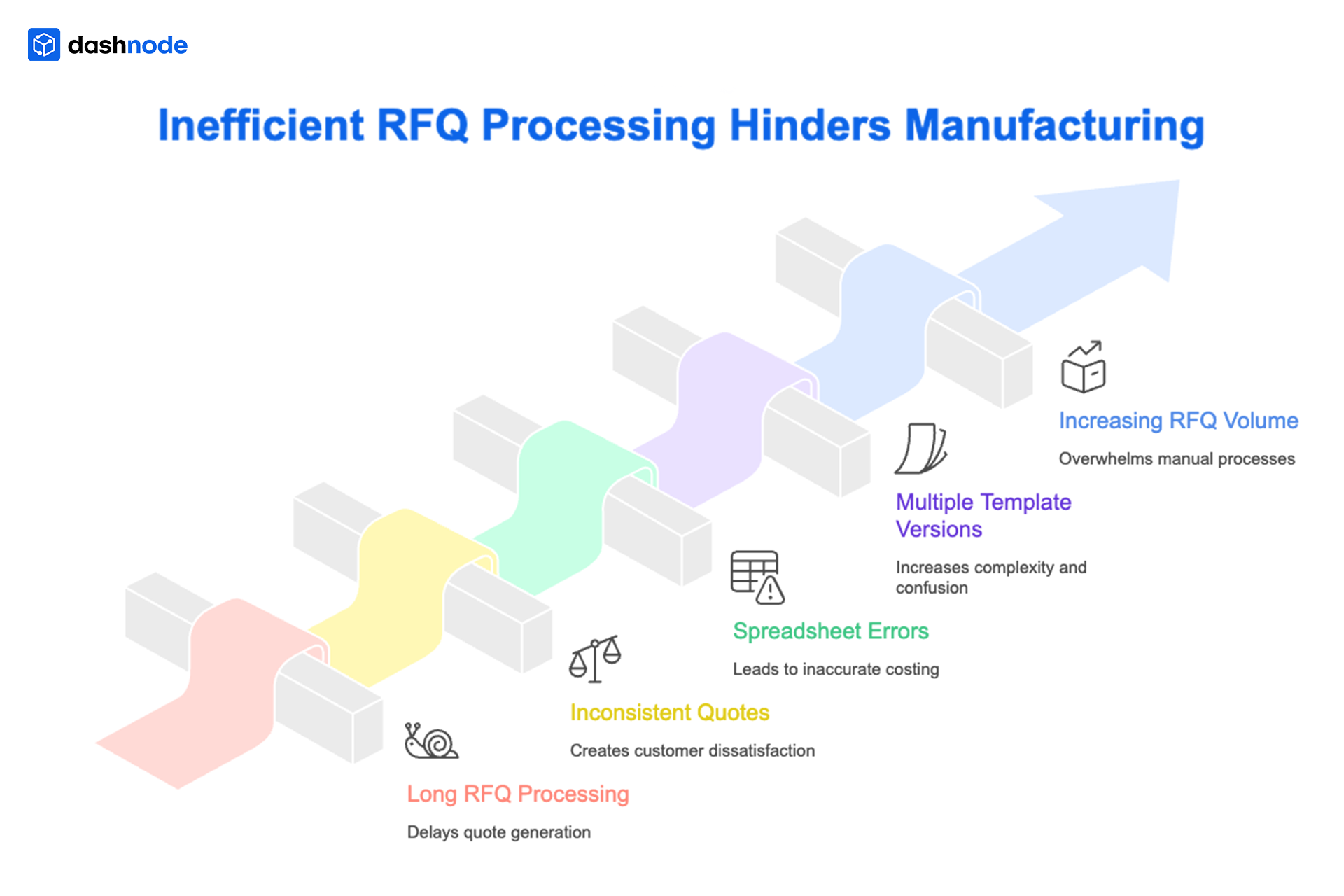
When these challenges appear, manufacturing estimating software can significantly improve quoting efficiency.
Modern estimating platforms are designed to streamline production costing and quoting workflows. Instead of relying on spreadsheets, these systems centralize cost templates, automate calculations, and organize RFQ pipelines.
As quoting complexity continues to increase, adopting modern factory quoting tools becomes essential for maintaining competitiveness.
If your estimating team still relies on spreadsheets for production costing and quote generation, it may be time to explore a more structured approach.
Dashnode helps manufacturing teams standardize cost templates, automate quote generation, and manage RFQ workflows without juggling multiple spreadsheets.
Instead of spending hours updating spreadsheets, estimators can focus on analyzing parts and improving manufacturing decisions.
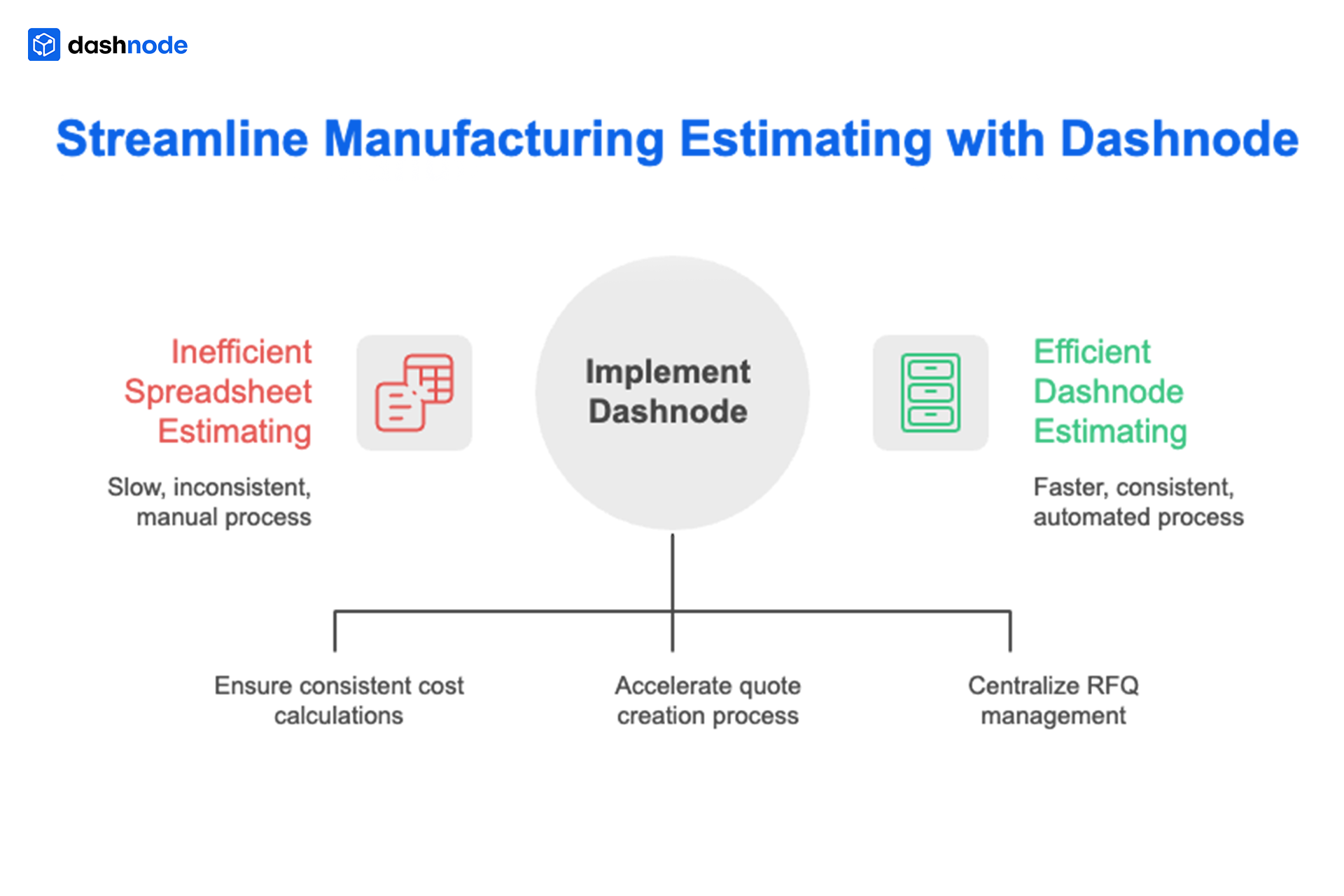
Book a Dashnode demo to see how it can streamline your quoting workflow.
Manufacturing estimating software helps factories calculate production costs and generate quotes more efficiently by automating calculations and centralizing costing data.
The software applies standardized cost templates and automated calculations, reducing manual errors and ensuring consistent production costing across estimators.
Yes. Small manufacturers benefit from faster quote generation and standardized costing processes that help them handle more RFQs with fewer resources.
Manufacturers should evaluate features such as automated quote generation, centralized cost templates, CAD integration, and RFQ management to ensure the software supports their quoting workflows.
Dashnode integrates directly with CAD models to streamline the quoting process. The software analyzes the uploaded CAD file and extracts key parameters, including part geometry, dimensions, material requirements, and manufacturing complexity. Using this data, Dashnode automatically evaluates machining or fabrication requirements and generates an accurate cost estimate.