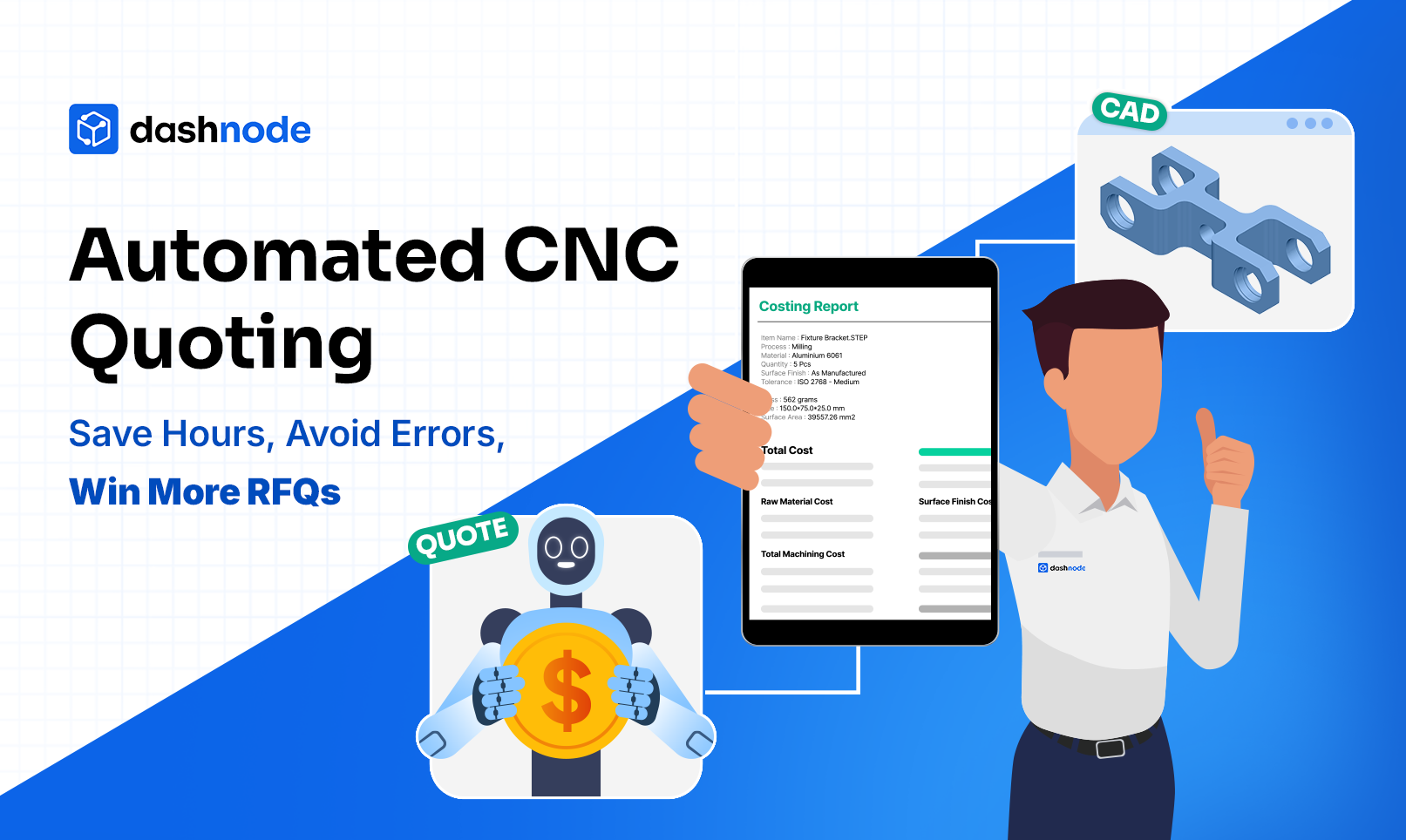
Automated CNC Quoting: Save Hours, Avoid Errors, Win More RFQs
Kunal Vats
5 min read
February 2, 2026
If quoting CNC jobs still takes your team hours (or days), you’re doing it the old way.
In 2026, speed is strategy and automated CNC quoting is how top engineering and sourcing teams save time, eliminate costly mistakes, and dramatically increase RFQ win rates.
This guide will show you how AI-powered quoting tools are transforming modern CNC workflows, what features to look for in quoting software, and why switching to automation could be your biggest competitive move yet.
What Is Automated CNC Quoting?
Automated CNC quoting uses software to turn CAD models and manufacturing specs into instant, accurate, and fully itemized cost estimates. It removes the manual guesswork from traditional quoting.
Unlike spreadsheets and tribal knowledge, automation uses:
CAD feature recognition
Toolpath simulation
Real-time material pricing
Smart setup & cycle time prediction
...to create repeatable, reliable, and fast quotes — within minutes.
If you can order a complex flight itinerary instantly, you should be able to quote a part just as fast.
Why Manual Quoting Is Costing You More Than You Think
Let’s break it down:
Time loss: Manual quotes take hours of back-and-forth between estimators, CAM programmers, and suppliers.
Inconsistency: Every estimator calculates differently, leading to uneven pricing.
Errors: Missed features, incorrect tolerances, or wrong materials lead to misquotes — and rework.
Slow RFQ response: The longer it takes to quote, the lower your chances of winning the job.
In an ultra-competitive supply chain, quoting slow = quoting dead.
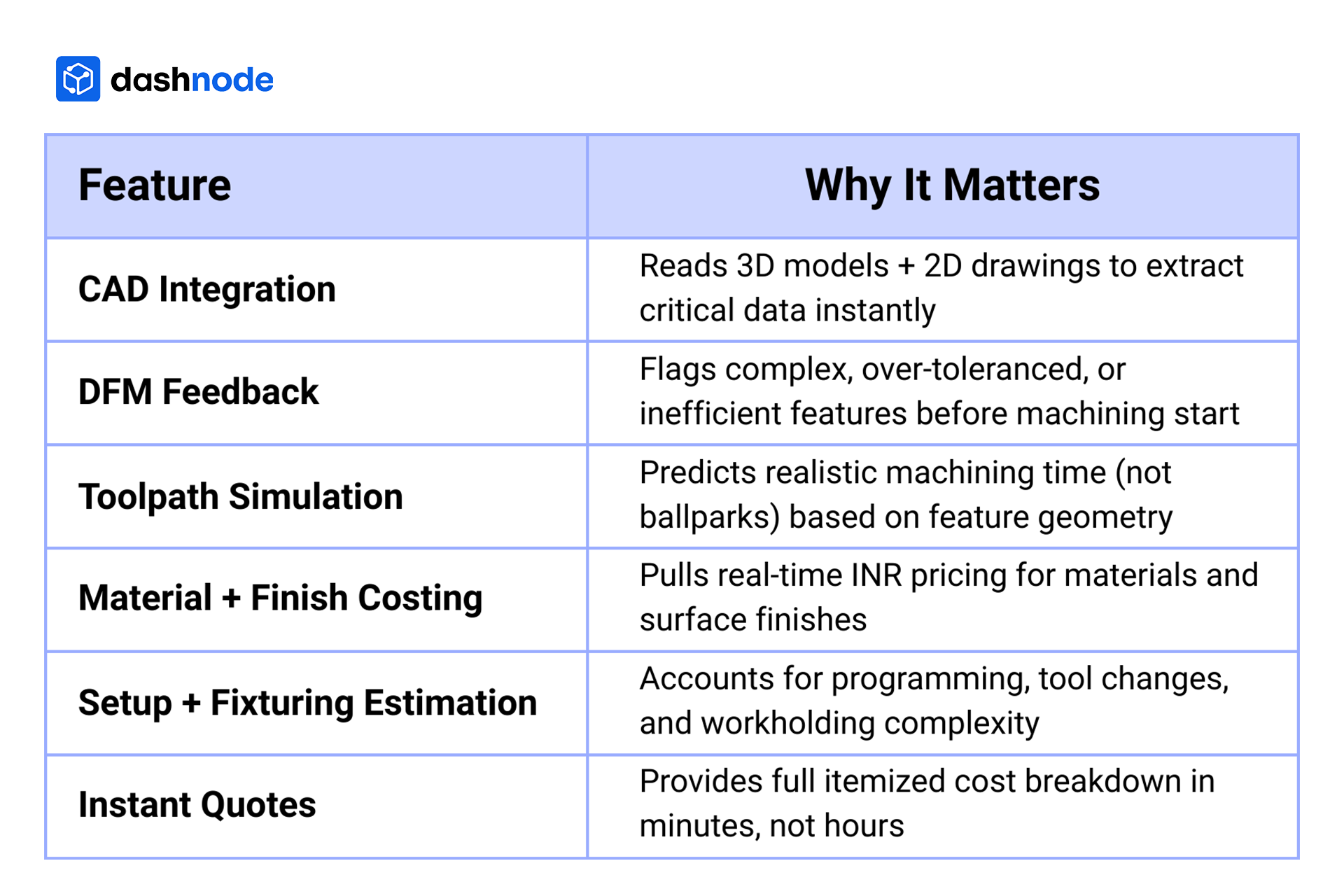
What Features Should Automated Quoting Software Include?
Not all quoting platforms are built equal. Here’s what to look for in 2025:
Bonus if it:
Handles multi-part assemblies
Supports RFQ automation workflows
Allows quote versioning for changes
The Business Case: Why Instant Quotes Win RFQs
According to industry studies:
78% of CNC buyers award the job to the first accurate quote they receive.
Teams using AI quoting reduce their quote cycle time by 60–90%.
Shops using smart quoting tools report 30–40% higher win rates on high-value RFQs.
Automated quoting isn’t just about speed — it builds confidence, professionalism, and predictability.
The Role of AI Quoting and Smart Estimation
AI-powered quoting engines analyze massive datasets from past jobs, material suppliers, and machining benchmarks to:
Suggest optimal toolpaths
Detect unnecessary tolerances
Identify batch size cost-breaks
Learn from previous quoting patterns
AI quoting means your estimators spend less time crunching numbers — and more time optimizing strategies.
Dashnode : Automated CNC Quoting Software That Works
Dashnode is not just a quoting engine — it's a manufacturing intelligence platform tailored for engineers, estimators, and sourcing teams who demand speed, accuracy, and transparency.
What sets us apart:
Instant, CAD-Driven Quotes: Upload your 3D files and get feature-based pricing in minutes — including raw material, machining, finishing, setup, and inspection.
Smart Tolerance Recognition: ACE identifies tolerance zones and adjusts cost calculations based on actual machining requirements.
DFM Insights Built In: Get automatic alerts on costly design features (like sharp internal corners or unnecessary tight tolerances) before they hit the shop floor.
Surface Finish & Material Intelligence: Whether it's anodizing or powder coating, ACE accounts for every post-process — with INR-based pricing pulled from real vendor databases.
RFQ Automation: ACE streamlines the entire RFQ workflow — from drawing upload to approval — reducing quoting time by up to 75%.
Bulk Quoting Capabilities: Handle 10, 50, or 100+ part RFQs in one go. Perfect for job shops, OEMs, and high-mix/low-volume manufacturers.
Trusted by India’s top manufacturing teams, ACE brings quoting out of Excel and into an intelligent, scalable system.
Whether you're building aerospace brackets, robotic arms, or precision enclosures, ACE empowers you to quote faster, smarter, and with confidence.
Dashnode is a modern CNC quoting engine designed for speed, accuracy, and scale.
With Dashnode, your team can:
Upload CAD files and receive instant quotes
Leverage RFQ automation to respond to clients faster
Simulate machining cycles using toolpath-aware logic
Calculate setup, finish, and material costs — with real INR pricing
Eliminate quoting errors tied to missing specs or incorrect tolerances
Whether you're quoting 1 part or 1,000, Dashnode adapts with smart estimations — delivering speed without compromising precision.
"Before Dashnode, it took us 4–6 hours per quote. Now it’s 20 minutes — and 3X more accurate."
.png)

.png)
.png)
.png)
.png)
.png)
.png)